Creative VST Effects & DJ Tools
Mixing effects fix problems. Creative effects create something that was not there — depth, movement, damage, space. This page groups the G-Sonique creative and DJ effects by what they actually do to a sound: reverbs and spaces, delays and echoes, distortion and drum processing, mid/side and stereo movement, and soundsystem simulation.
These are Windows VST plugins — they load in any VST host such as Ableton Live, FL Studio, Cubase, Studio One, Bitwig, Reaper or Sonar. None of the effects on this page is currently available for macOS; the supported formats are listed on each product page. Most titles have a free demo version.
Reverbs & spaces
A convolution reverb of a real hall is the right tool when you want a track to sound like it was played somewhere. It is the wrong tool when you want a sound that could not exist — and in electronic music that is most of the time.
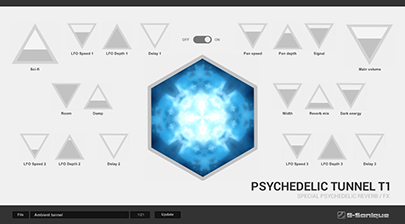
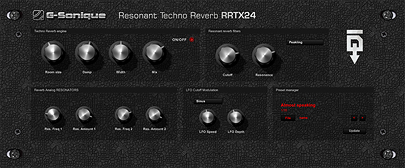
Psychedelic Tunnel T1 is an algorithmic reverb built for long, tunnel-like tails that keep moving instead of decaying politely. Techno Resonant Reverb RRTX24 goes for resonant, metallic character — the kind of tail that becomes part of the rhythm rather than sitting behind it.
One habit worth adopting with either: high-pass the reverb return around 200–300 Hz. Almost all reverb mud lives below that, and cutting it lets you use far more reverb before the mix turns to soup.


Delays & echoes
A clean digital delay repeats exactly what you fed it, which is precisely why it so often sounds lifeless. The delays that made dub, psytrance and techno interesting were tape machines and analog units that degraded a little more with every pass.
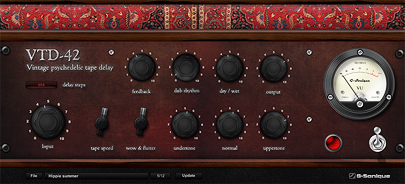
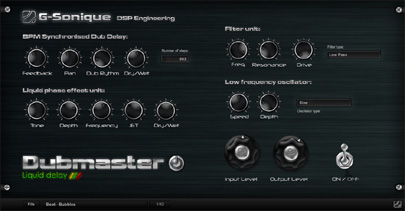
VTD-42 is a vintage-style tape delay — echoes saturate, lose top end and drift in pitch as they repeat. Dubmaster Liquid Delay adds filtering and feedback saturation for dub-style echoes that swell and collapse, the kind you ride live rather than set and forget.
Distortion & drum processing
The problem with distorting a full-range sound is that everything distorts at once: the bass turns to fuzz long before the mids get any bite. Splitting the signal into bands first is what separates usable aggression from noise.
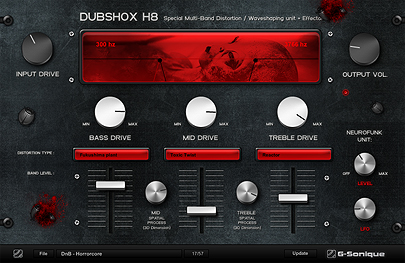
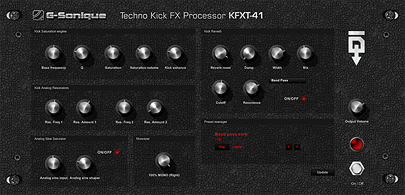
DUBSHOX H8 is a multiband distortion and waveshaper — drive the mids hard while leaving the sub clean, which is the entire trick behind bass music and heavy electronic production. KFXT-41 is a specialist: a techno kick and rumble processor that shapes body, saturation and the resonant tail together while keeping the low end controlled.
Mid/Side, movement & stereo
Mid/Side processing splits a stereo signal into what is common to both channels (mid) and what differs (side), so you can treat them separately. It is how you widen a pad without smearing the bass, or filter the sides without touching the lead.
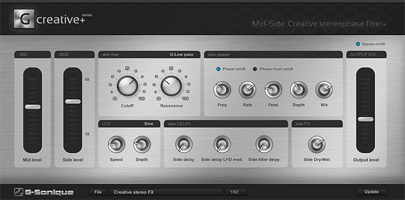
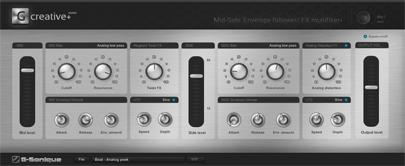
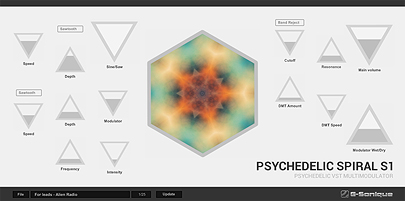
Mid-Side Creative Stereophase Filter+ applies phase and filter effects independently to mid and side for wide, moving textures. Mid-Side Envelope Follower / FX Multifilter+ drives the same split from the signal's own envelope, so the filter moves with the performance. Psychedelic Spiral S1 is the blunt instrument of the three — it transforms a sound into a spiralling, evolving version of itself.
Worth knowing before you reach for these: always check the result in mono. Wide side content that sounds huge on headphones can partly cancel on a club system, and mid/side tools make it very easy to overdo.
Club & soundsystem simulation
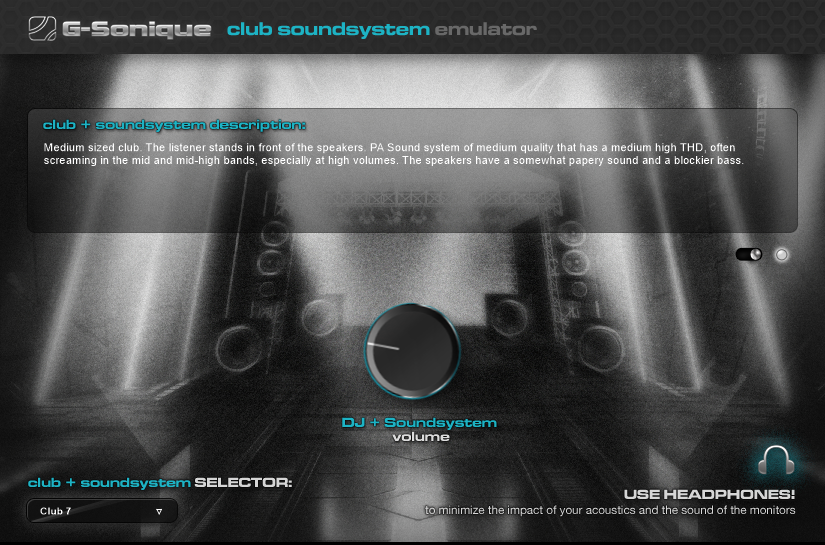
PA Club Soundsystem Emulator answers a question studio monitors cannot: what will this actually sound like on a club rig? It reproduces how a PA system renders your mix, on your own monitors or headphones — which catches low-end problems weeks before the night itself, when they are still cheap to fix.

Where to start
If you are picking one, pick by the problem you actually have. Tracks feeling flat and two-dimensional? Start with reverb and delay — Psychedelic Tunnel T1 and VTD-42 will do more than any amount of extra synths. Tracks feeling thin and polite next to commercial releases? That is usually a saturation and distortion problem, so DUBSHOX H8.
Every title has a free demo that runs in your own DAW on your own project. That tells you more in ten minutes than any audio example on a product page.
Frequently asked questions
Try any G-Sonique creative effect free before you buy — demos run in your own DAW.
Download free demos